Share Your Screen Instantly During Online Meetings
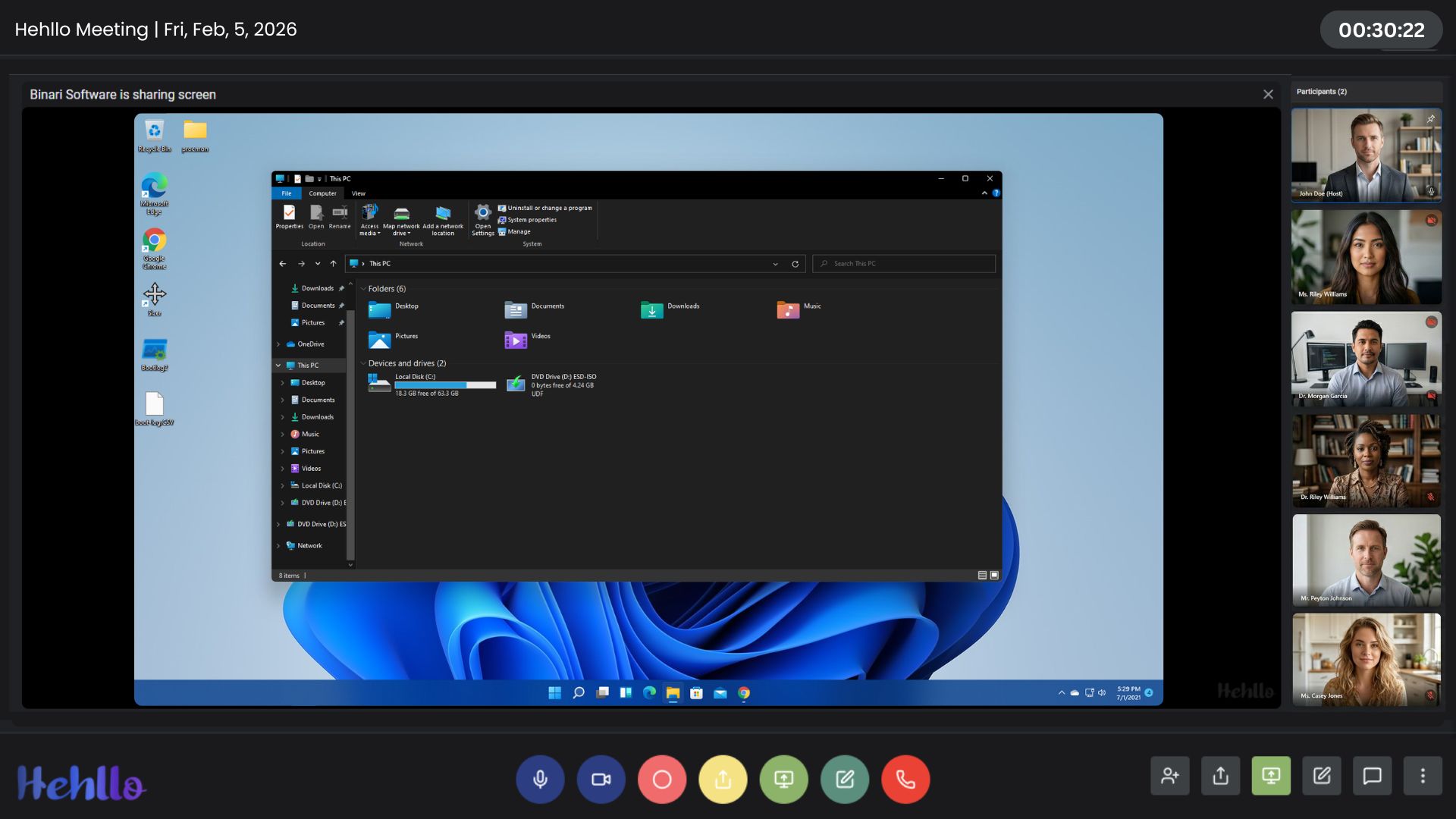
Looking for free screen sharing without time limits? Hehllo offers browser-based screen sharing for up to 100 participants — completely free.
No downloads. No restrictions.
 Start A Meeting For Free
Screen Sharing That Just Works—In the Browser
Whether you're pitching a client or walking a student through a complex problem, clarity matters. Hehllo's Screen Share gives you total control over what your audience sees—without forcing anyone to install a desktop client.
Because Hehllo is 100% browser-based, you can start sharing in a single click. Participants see your screen instantly in their own browser—whether they're on Windows, Mac, Linux, Android, iOS, or ChromeOS. No downloads. No compatibility headaches. No "Can everyone see my screen?" confusion.
Screen sharing works alongside every other Hehllo feature: chat, whiteboard, file sharing, and recording. Keep the conversation moving without switching tools or tabs.
What Makes Hehllo Screen Share Different
- Granular Control: Share your entire screen, a specific window, or just one browser tab to protect your privacy.
- Crisp Visuals: Optimized for text and detail, so spreadsheets and code blocks stay readable.
- Simultaneous Features: Use the whiteboard, chat, and file share while screen sharing.
- No Plugins: Nothing to install—screen sharing works natively in modern browsers.
- Works for 100 Participants: Everyone in the meeting sees the same view.
Start Presenting for Free
What You Can Share With Hehllo
Presentations & Decks
Walk clients or stakeholders through slide decks without asking them to open anything. Combine with file sharing to send the deck afterward.
Software Demos
Demo apps, dashboards, and tools live in front of your audience. Share a single app window to keep your notifications private.
Coding & Debugging
Pair-program, review pull requests, or debug live. Share just your IDE window to keep the rest of your desktop hidden.
Teaching & Tutorials
Walk students through documents, tools, or processes while using the interactive whiteboard to annotate on top.