Patented File Sharing for Video Meetings
Share documents instantly during your video calls. Hehllo enables in-call file sharing for up to 100 participants with no time restrictions.
 Start A Meeting For Free
Why File Sharing Belongs Inside the Meeting
Why pause your conversation to send an email attachment? Why force participants to open a separate chat sidebar to grab the file you mentioned? Hehllo's patented In-App File Share keeps your meeting momentum going.
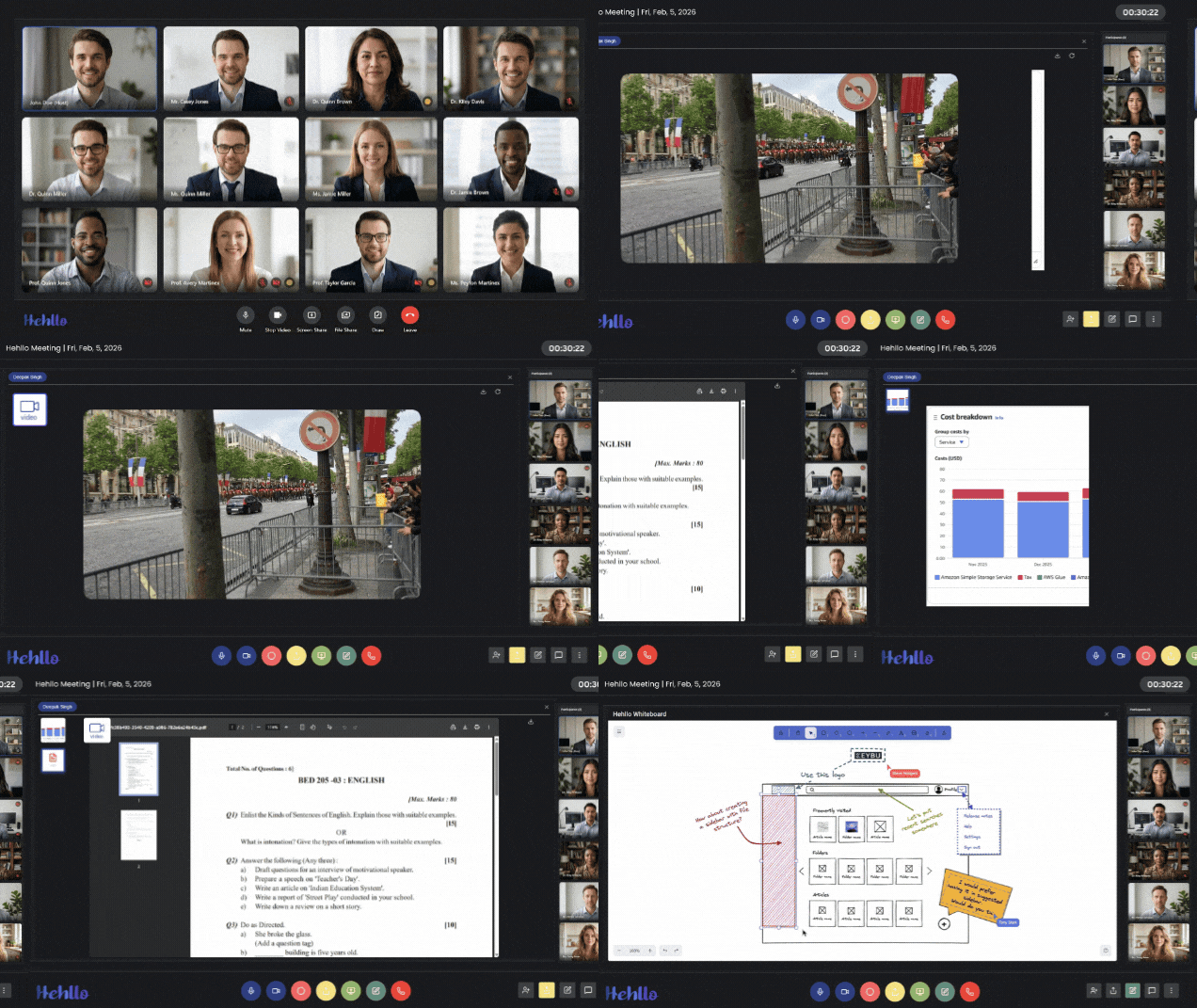
Our unique single-window architecture lets you drag, drop, and distribute files to up to 100 participants instantly—without ever leaving the call view. Files appear directly in the meeting window for everyone, so the discussion keeps flowing.
Unlike platforms that rely on cloud storage uploads, Hehllo uses peer-to-peer transfer. That means faster delivery, lower latency, and better privacy: your files go straight to the participants who need them, and never sit on a public server.
What Makes Hehllo's File Sharing Different
- Universal Format Support: MS Word (.docx), Excel (.xlsx), PowerPoint (.pptx), PDFs, images, video, and audio files.
- Zero-Tab Switching: No separate chat sidebar or new window. Files transfer right in your active session view.
- Secure Transfer: Files are transferred directly to participants using secure P2P encryption.
- Instant Delivery: No waiting on cloud uploads or email servers.
- Works with Everything Else: Share files while screen sharing, using the whiteboard, or chatting.
Start a Meeting & Share Files
When In-Meeting File Sharing Saves the Day
Client Proposals & Contracts
Freelancers and consultants can send proposals, statements of work, and contracts mid-call—no follow-up email required. Clients review and download instantly.
Classroom Assignments
Educators can push worksheets, reading materials, and slide decks to students during lessons. Pair with the interactive whiteboard for a complete teaching setup.
Design & Code Reviews
Share mockups, design files, and code snippets directly while discussing them on screen share. Everything stays in one window.
Project Handoffs
Transfer final deliverables, reports, or media assets at the end of a kickoff or wrap-up call—so nothing gets lost in email threads.